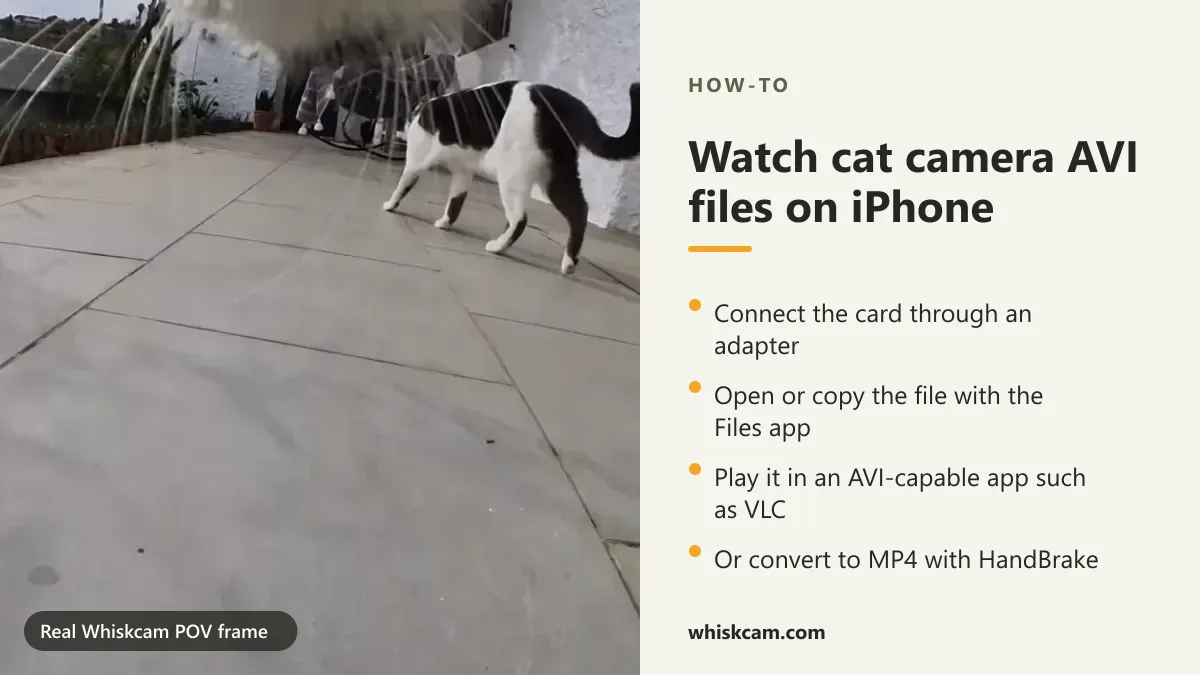
If your iPhone sees the camera's AVI file but will not play it, first copy a short clip from the card into Files and try a compatible player such as VLC. If your editor rejects the clip, convert a copy to a supported format. Viewing, copying and converting are different steps.
Whiskcam records AVI video and currently requires a separate MicroSD card. This guide uses Apple and VideoLAN documentation, reviewed September 25, 2026. It does not claim a completed test on every iPhone, reader or camera file.
1. Connect the card to the correct iPhone port
Use a reader that matches your iPhone's connector and supports your card. USB-C and Lightning are different connectors; an adapter that fits physically is not proof of compatible storage access. Apple's external storage guide explains connection and power requirements.
Remove the card after stopping recording and switching the camera off according to its instructions. Keep the original recordings until you have checked a copy. Do not format the card to solve a connection problem before backing it up.
2. Find a short recording in Files
- Connect the reader and open Files.
- Open Browse and look for the connected storage under Locations.
- Find a recent recording and copy a short file to a folder on your iPhone.
- Check that the copy has a plausible file size before disconnecting the reader.
If no storage appears, check the connector, reader compatibility, power and card format against Apple's guidance. Test the same card on a computer if available. An inaccessible card and an unsupported video codec are different problems.
3. Open the copy with a compatible player
VideoLAN documents playback of many formats in VLC for iOS without conversion. Use the available Open In or Share option from Files to send the copied file to VLC, or import it using the player's supported file workflow. Menu names vary with the installed versions.
AVI is a container. Its extension alone does not identify every video and audio codec inside it, and a damaged file may fail in any player. Try one known-good recording before transferring an entire card.
4. Convert a copy if your editor needs it
Playing an AVI in VLC does not automatically turn it into MP4. Earlier instructions here incorrectly suggested that sharing to Photos guaranteed conversion. Use a converter with an explicit output format and retain the original. For a computer workflow, the official HandBrake quick-start guide explains opening a source, choosing a preset and encoding a copy. A broadly compatible starting point is MP4 with H.264 video and AAC audio, if your destination editor supports them.
Check the exported copy for picture, sound, duration and orientation. Changing the filename from .avi to .mp4 does not convert the content. Choose conversion software from its official source and avoid uploading private footage to an unfamiliar converter.
Troubleshooting: what fails, and what to check
| Problem | Next check |
|---|---|
| Card not visible | Reader, connector, power and supported card format. |
| File copies but does not play | A compatible player; compare with another short recording. |
| Picture but no sound | Player audio settings, recorded audio and codec support. |
| Player works, editor refuses | Export a converted copy to a format the editor accepts. |
| Empty or cut-off file | Recording stopped correctly, available card space and a fresh handheld test. |
Preparing a cat POV clip for Reels, TikTok or Shorts
Import a short compatible copy into your editor. Inspect a vertical crop before export: a wide-angle recording can lose the subject at the edges. Keep an original version, avoid exposing neighbours or private interiors, and check sound before posting.
For camera selection, see our cat collar camera buying guide. For the kit and recording limitations, read what Whiskcam includes. No camera purchase is needed to troubleshoot a file you already have.
What information helps support diagnose a problem?
Note your iPhone model, iOS version, reader connector, camera model, file extension and which step fails. Share a short non-private sample only if requested through your support conversation. Never share account passwords or private recordings publicly.